- Home
- Contact
- Daily Rent
- Monthly Rent
- District Rent
- Rent A Car
- Services
- City Services
- Price List for Per day Rent (Dhaka & Outside Dhaka)
- Rent A Car in Bangladesh
- Car Rental in Dhaka, Bangladesh
- Car Rental Price List
- Car and Transport Service in Bangladesh
- Start a Car Hire Reservation
- Car Hire Bangladesh
- Car Hire Dhaka
- Car Rent Dhaka
- Gari Vara Dhaka
- Best rent a car in Dhaka
- Tours & Travels
- Conditions
- About

Call Us:
+88 01711 306557
View on Map
Zoom Rent-A-Car
Zoom Rent-A-Car
How to book a car in Dhaka with driver
Booking a car in Dhaka through Zoom Car is a straightforward process that simplifies your travel plans and provides a seamless driving experience in Bangladesh’s capital. Here’s a step-by-step guideline to help you navigate the car rental booking process:
- Visit the Website: Start by accessing Zoom Rent A Car’s website from Google. Our online platforms offer a user-friendly interface designed to facilitate easy booking.
- Enter Your Details: On the homepage, you’ll be prompted to enter your pickup location and date, as well as your drop-off details. In Dhaka, you can choose from various locations such as the airport, specific neighborhoods, or central locations. Specify the rental period to match your needs—whether it’s a few hours, a day, or several days.
- Browse Available Cars: Once you’ve entered your details, the system will display a range of available vehicles. You can filter the options based on your preferences, such as car type (compact, sedan, SUV), features (air conditioning, GPS), and price range. Each listing provides detailed information about the vehicle, including specifications and rental rates.
- Select a Vehicle: Choose the car that best fits your needs. Click on the vehicle to view more details and ensure it meets your requirements. The platform will show you the total rental cost, including any applicable taxes and fees.
- Review and Confirm: After selecting a vehicle, review your booking details carefully. Confirm the rental period, pickup and drop-off locations, and total cost. Make any necessary adjustments before proceeding.
- Enter Payment Information: Proceed to the payment section where you’ll enter your payment details. Zoom Rent A Car typically accepts various payment methods including credit and debit cards. Ensure your payment method is secure and sufficient to cover the rental cost.
- Receive Confirmation: After completing the payment, you’ll receive a booking confirmation via email or SMS. This confirmation will include all relevant details such as your rental period, vehicle information, and contact information for customer support.
- Pickup the Car: On the day of your rental, visit the designated pickup location in Dhaka. Bring your valid necessary identification. A Zoom Car representative will assist you, ensuring that you’re comfortable with the car and its features.
By following these steps, you can efficiently book a car with Zoom Car in Dhaka, ensuring a smooth and enjoyable travel experience in the city.
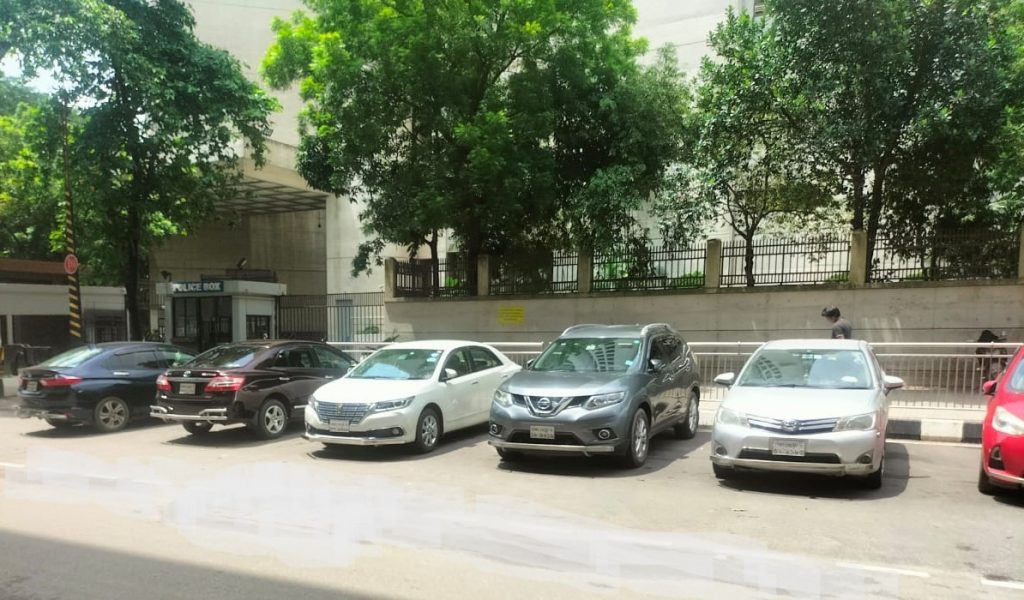
Booking a trip with Zoom Car Rental is easy and fast. It only takes a few minutes. You can book a rental car in Dhaka using any of these channels.
1. Website: Book your ride in 3 easy steps: enter your pick-up and drop-off details, select your preferred vehicle type, and choose your payment method.
2. Call Center: Call us on 01711306557. Our manager will help you with your itinerary and make your reservations.
3. Email us: If you have any questions or need assistance, please email us at sm.mahabubulaziz@gmail.com. Our executives will respond promptly.
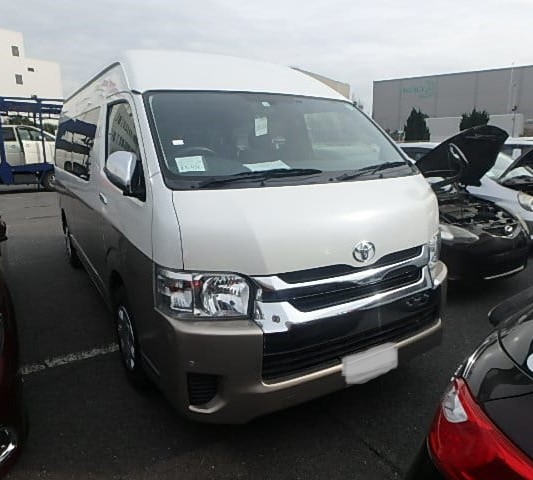


Call or WhatsApp 01711306557 for Quotes 24/7.